



SLA 3D Printing Bulk Upload – Instant Quote
How to Order with SLA Bulk Upload
Our SLA Bulk Upload tool lets you upload multiple 3D models at once and get instant pricing for your entire batch. As a result, you can quote and order large multi-part projects in minutes. In addition, this tool supports STL, STEP, OBJ, and IGES formats. For single-part orders, use our standard SLA configurator instead.
Upload Your 3D Models
Simply drag and drop files below. Then, configure each part independently. After that, click Analyse to generate prices for all models at once.
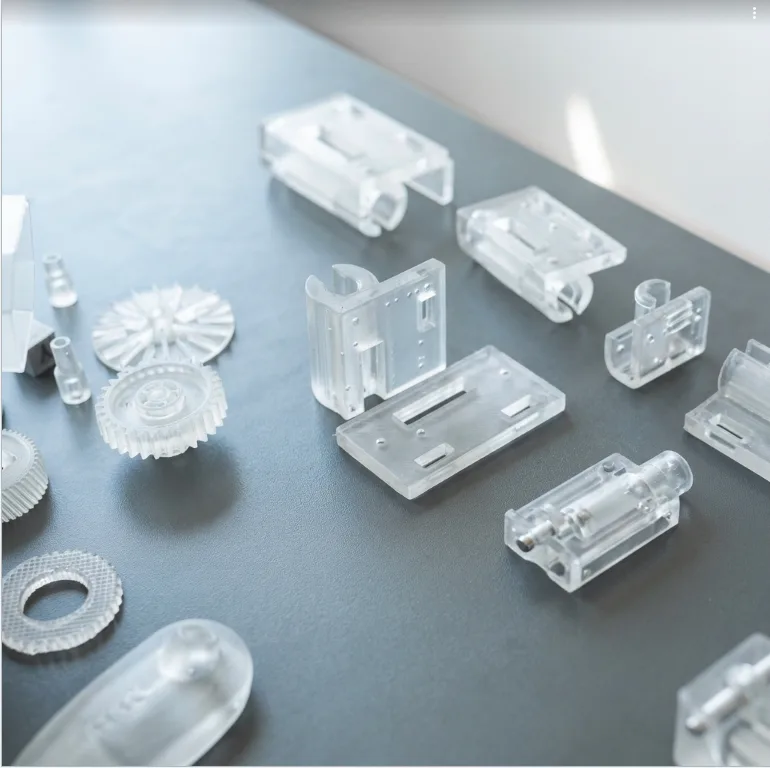
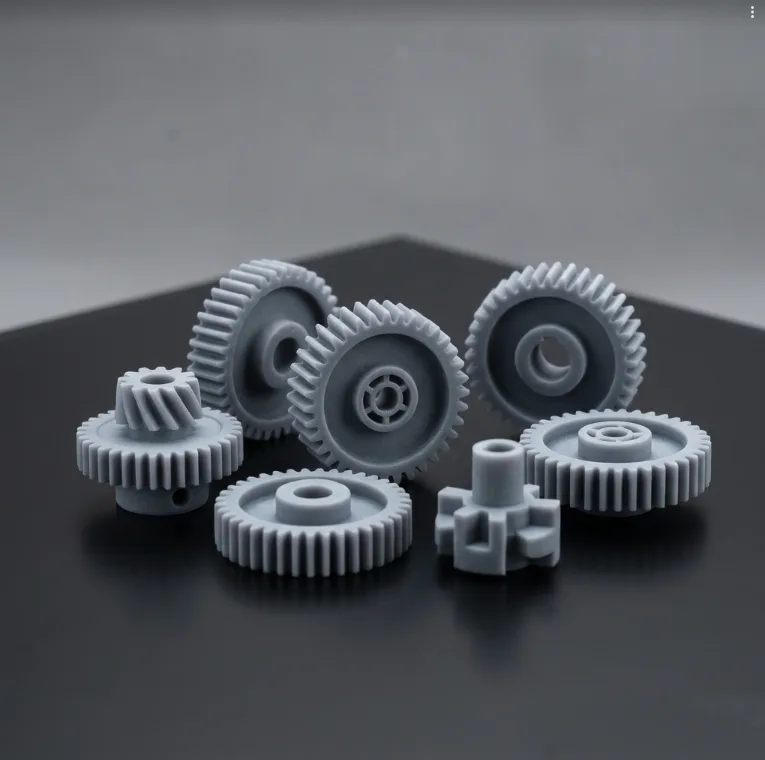

SLA Bulk Upload — Quick Reference
Everything you need to configure your batch order correctly.
SLA Bulk Upload — 3 Photopolymer Resins Available
All 3 professional-grade SLA resins are available for bulk orders. Moreover, each part in a batch can use a different resin type. For detailed specs, see the Material Guide.

File Formats
Most CAD exports are directly compatible. For example, see the Design Guide for rules.
| Format | Full Name |
|---|---|
| STL | Standard Tessellation Language |
| STEP | Exchange of Product Data |
| OBJ | Wavefront Object File |
| IGES | Graphics Exchange Spec |
SLA Layer Heights
In short, smaller layers produce finer detail. However, they increase print time. See the Settings Guide.
Infill — 100% Solid
Unlike FDM, all SLA parts are printed at 100% solid infill. As a result, every part has optimal strength and surface quality.
Therefore, there is no infill setting to configure for SLA orders. Additionally, all parts undergo UV post-curing for maximum mechanical performance.
SLA Machine Specifications & Design Rules
All SLA Bulk Upload orders use an industry-standard resin printer with advanced features. As a result, you get ultra-fine detail and consistent quality across every part.
| Specification | Value | Details |
|---|---|---|
| Build Volume | 210 × 118 × 220 mm | Maximum part size |
| XY Resolution | 16K (19×24 µm) | Ultra-fine pixel size |
| Accuracy | ±0.2 mm | Precision components |
| Min Wall | 0.5 mm | Minimum thickness |
| Infill | 100% Solid | All SLA parts |
| Min Hole | Ø0.5 mm | Minimum diameter |
| Min Feature | 0.2 mm | Smallest printable detail |
| Clearance | 0.5 mm | Between mating parts |
For full specifications and orientation tips, see the Design Guide. Furthermore, learn more about SLA technology on Wikipedia.